
Beetlejuice Cursor
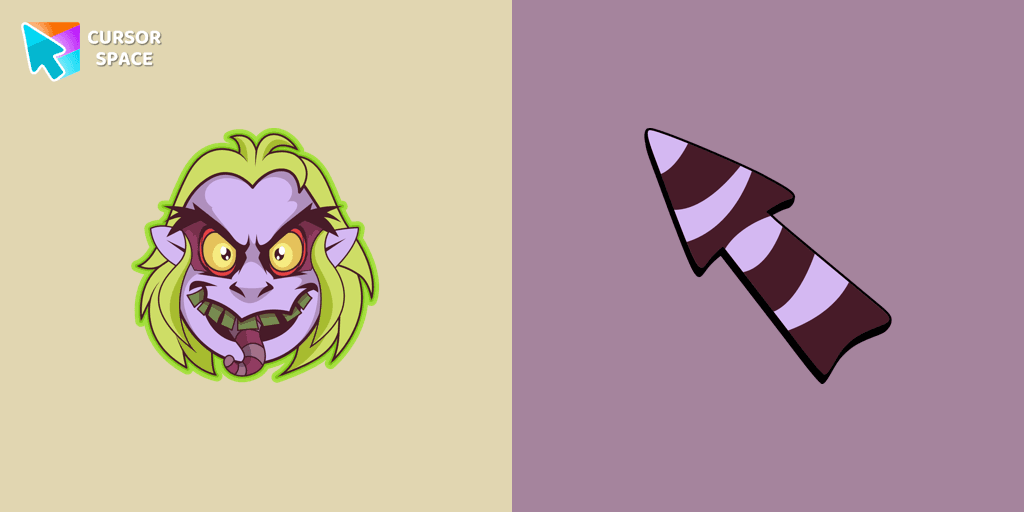
Cursors in the pack

Description
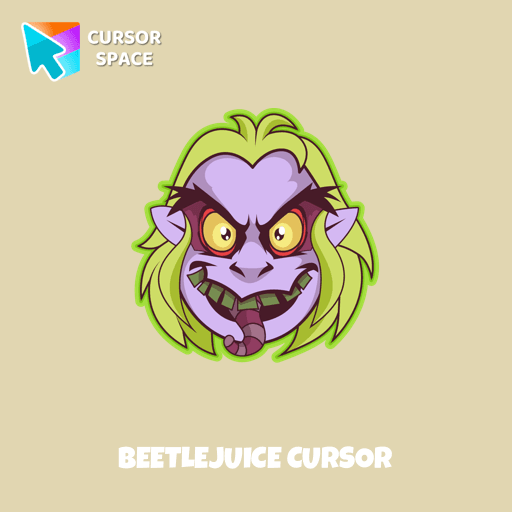
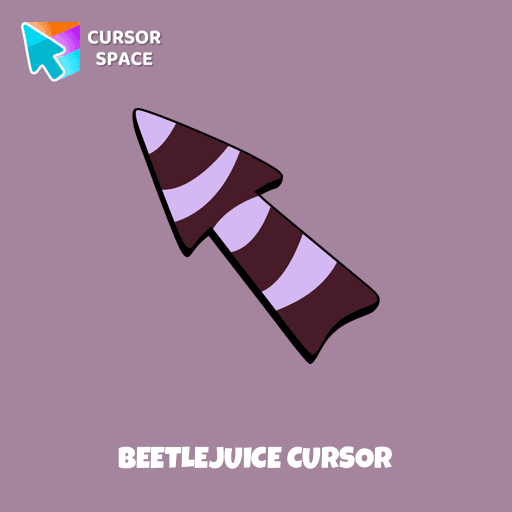
Step into the spooky season with our exclusive Halloween custom cursors collection for Chrome. This year, embrace the thrill of a custom cursor for chrome that perfectly captures the eerie spirit of Halloween. Among our standout designs is one featuring Beetlejuice—a rude, crude, trickster ghost who enjoys causing chaos and confusion. As the main antagonist in his live-action movie, he uses his supernatural powers to manipulate and deceive others. This design embodies his wild and unpredictable spirit, making it a must-have for any Halloween fan.
Our collection offers a wide range of options, including the sleek custom cursor chrome and the intricately designed chrome custom cursor. For those seeking a premium feel, the custom cursor for chrome™ delivers high-quality visuals and performance, ensuring your browsing experience is as unique as it is fun. If you're looking for a budget-friendly option, explore our custom cursor for chrome free selections available on the chrome web store custom cursor.
Installing your new look is simple with our intuitive custom cursor chrome extension. Just add the cursor custom for chrome and enjoy a transformed browsing experience in minutes. Wondering how to get a custom cursor on chrome? Just install the custom-cursor for chrome package and follow the easy steps provided by the custom cursor chrome extension. Concerned about safety? Rest assured, our products are tested and secure, answering questions like is custom cursor for chrome extension safe and is custom cursor for chrome safe.
Prefer a hassle-free experience? Our custom cursor for chrome no download and custom cursor for chrome no extension options ensure you can enjoy a personalized pointer without any installation. Plus, with custom cursor for chrome unblocked, everyone can join the fun. Discover the magic of a custom cursor on chrome, especially with the ever-popular sweezy cursors - custom cursor for chrome featuring Beetlejuice.
What's included in the package
- Default Cursor
- Pointer (Hand)
How to install a custom cursor pack Beetlejuice Cursor
Install the Cursor Space extension for Chrome or Cursor Space for Edge in your browser.
On this page, click "Add this cursor pack to the extension".
Open the extension and go to the Packs tab.
Find the custom cursor pack "Beetlejuice cursor" and click it.
Enjoy!
Ready to install?
Get this cursor pack and thousands of others by installing our extension. It's fast and free!
About this cursor pack
Beetlejuice Cursor is a themed cursor pack you can add to your browser to personalize your pointer across common cursor states (default and pointer). Use it for everyday browsing, streaming, studying, or gaming-anywhere you want your cursor to match your vibe.
Instant preview
See how the cursors look before installing.
Easy install
Add the pack to the extension in a few clicks.
Works in your browser
Designed for Chrome and Edge via the extension.
FAQ
Quick answers to common questions about cursor packs, collections, and installation.
Do I need an extension?
Which browsers are supported?
How do I switch back to the default cursor?
Popular cursors today
Custom cursor and packs - neon, anime, pixel art. Quickly add to Chrome and Microsoft Edge for free
- TOP 1

Orange gradient cursor
(2.0k)FreeUpgrade your browsing with the Vibrant Orange Gradient Cursor. This custom cursor offers a seamless orange gradient, merging style with functionality
- TOP 2

Spinner cursor
(286)FreeThe Spinner cursor is a distinctive and visually appealing choice for your mouse cursor, providing an opportunity to set yourself apart from the default cursor.
- TOP 3
Naruto Uzumaki cursor
(237)FreeThe Naruto Uzumaki custom cursor for Google Chrome lets fans personalize their browsing experience with an iconic mouse pointer featuring Naruto himself.

Among Us Winnie-the-Pooh Character cursor
(79)FreeAmong Us Winnie-the-Pooh Character Cursor - A Whimsical Journey in the World of Sweetness and Friendship

The Guy Fawkes Mask Pixel cursor
(111)FreeThe Guy Fawkes Mask Pixel item is a pretty designed set of mouse cursors with a stylish hover.
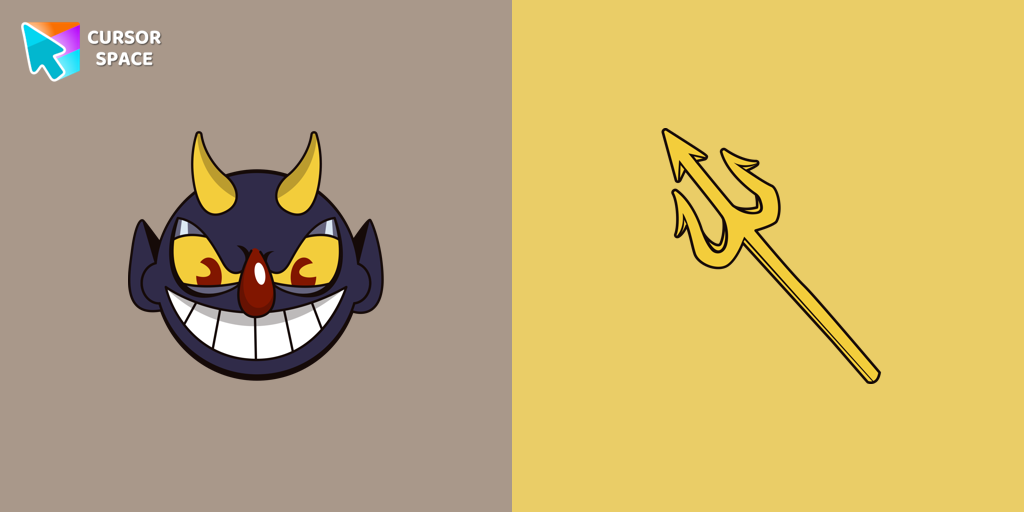
The Devil cursor
(89)FreeAdd a touch of sinister charm with the Devil custom cursor from our Cuphead collection. Upgrade your browsing with this unique custom cursor for Google Chrome.
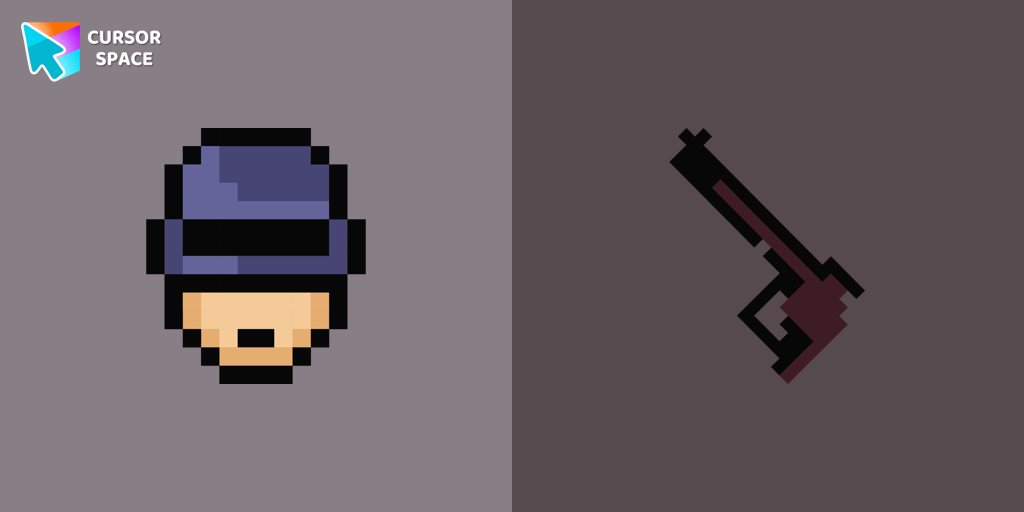
Robocop Pixel cursor
(81)FreeRoboCop Pixel as a custom cursor for Chrome. Now you can get cursor with RoboCop Pixel for your browser.

Multiple cursor prank
(3.1k)FreeExperience the fun of the Multiple Cursor prank with a custom cursor for Google Chrome. Add fake cursors to confuse and entertain while keeping only one functional.

Mr. Chimes cursor
(78)FreeMr. Chimes Cursor is a custom cursor for Google Chrome that adds a creepy yet whimsical monkey trail to your mouse, personalizing your browsing experience.

Gradient Texture cursor
(294)FreeAdd color and charm to your browsing with the Colorful Gradient Textures custom cursor. Express your style with this vibrant custom cursor for Google Chrome.
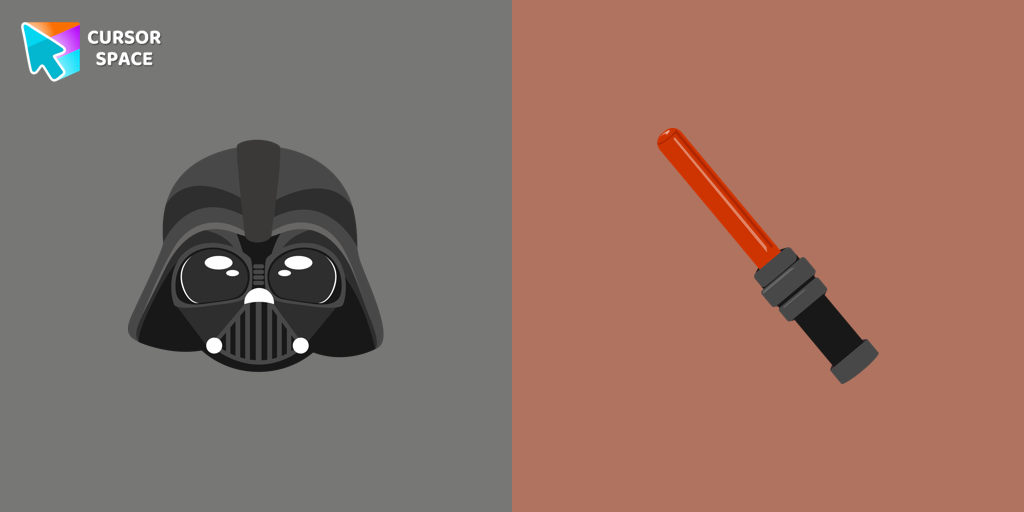
Darth Vader cursor
(141)FreeUnleash the power of the dark side with the Darth Vader custom cursor for Google Chrome. Embrace the Sith Lord's presence and upgrade your browsing experience.

Chi Chai Monchan cursor
(82)FreeIs a Sanrio character who is a monkey. If you want to change the default cursor to Chi Chai Monchan, you are welcome to our collection of cursors Hello Kitty in a variety of moods.
Collection hits
Installation leaders from "Halloween": free packs, neon/anime/pixel art, quick add to Chrome and Edge.
- TOP 1
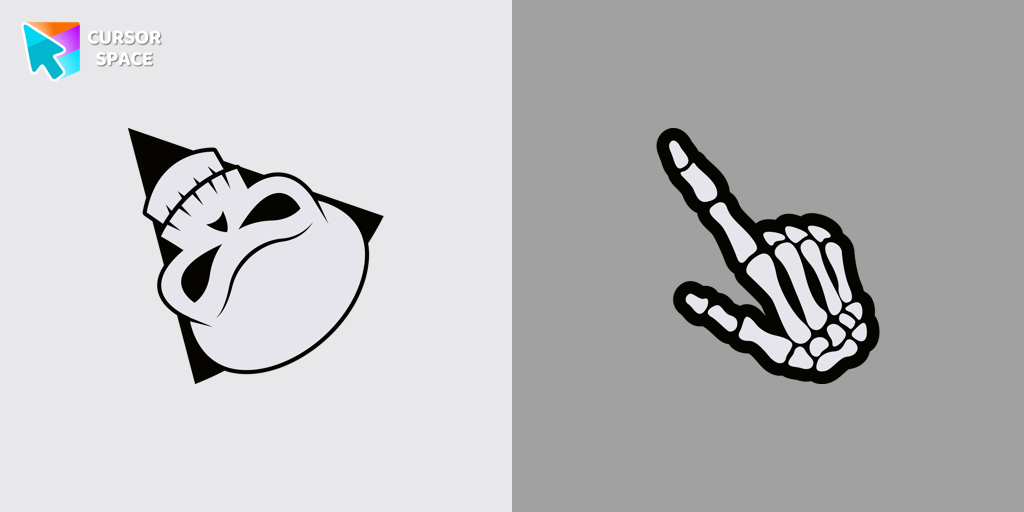
Angry Skull cursor
(37)FreeAngry Skull cursor for a mouse is a good Halloween art to decorate your browsing.
- TOP 2
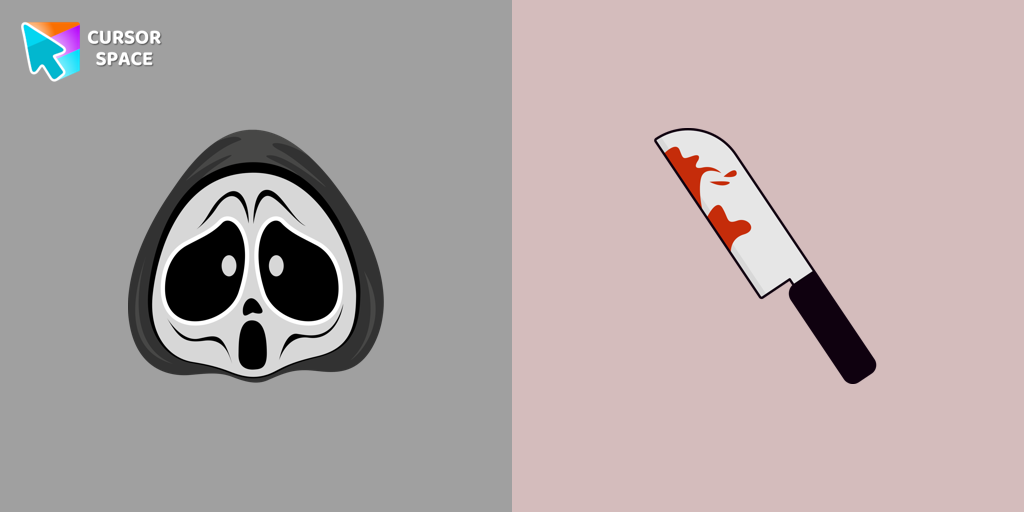
Ghostface cursor
(28)FreeGhostface cursor for mouse and custom hover pointer with a knife in our Halloween holiday collection of custom cursors.
- TOP 3
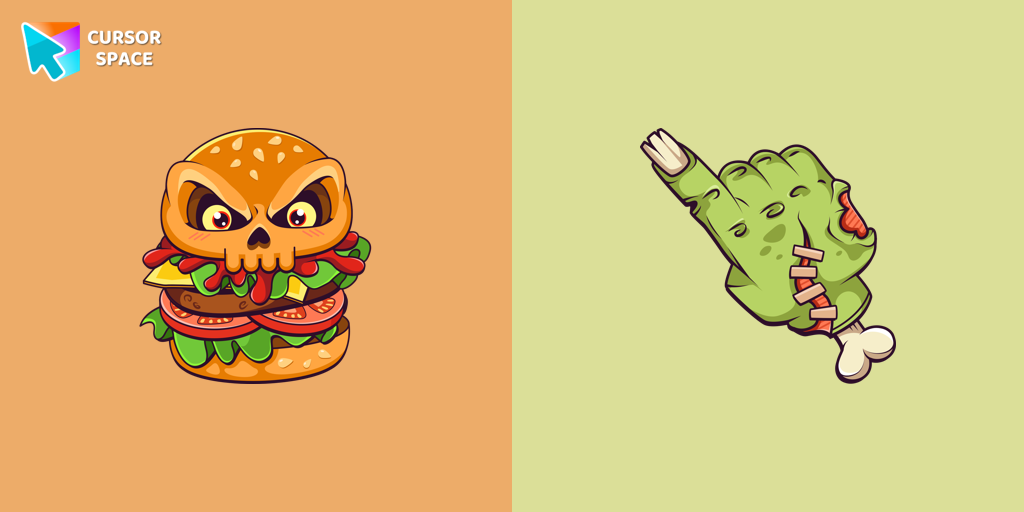
Burger Skull and Zombie Hand cursor
(25)FreeChilling blood illustrated Burger skull custom cursor and zombie hand hover for the mouse.
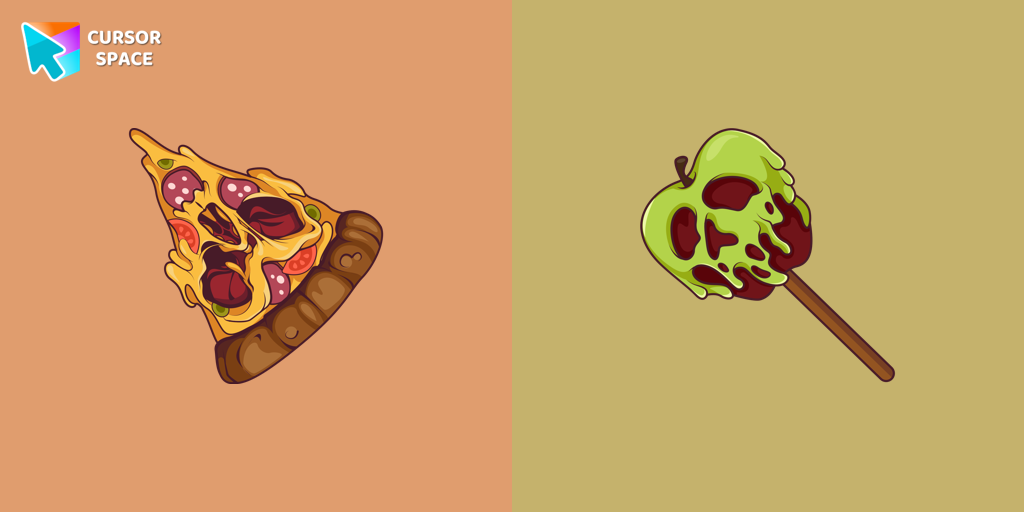
Pizza Monster cursor
(24)FreeDon't forget to decorate your interface with a Pizza Monster custom cursor from our Halloween custom cursors collection.
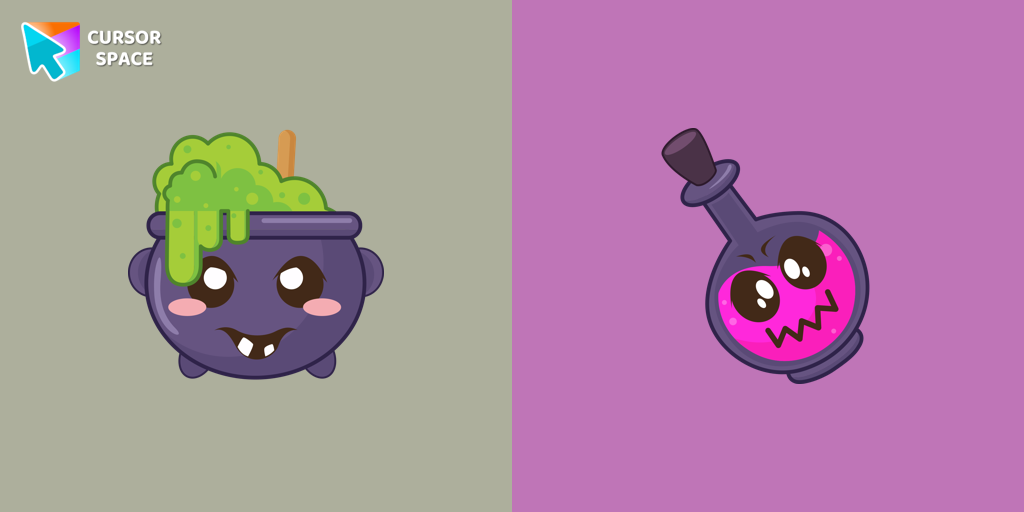
Potion Cauldron and Poison cursor
(20)FreeOur Halloween custom cursors collection for Chrome includes many themed cursors, one of them Potion Cauldron and Poison.
Install Cursor Space - A Collection of Custom Cursors for Chrome & Edge
Add packs instantly and unlock access to thousands of cursors: neon, anime, pixel-art, and more. Fast, safe, and free.
- Free cursor packs
- HD/HiDPI & animated icons
- Quick browser installation
Cursor Space is an extension for changing your mouse cursor in Chrome and Edge browsers: themed collections, HiDPI icons, neon, animated, and pixel cursors, with quick installation.